

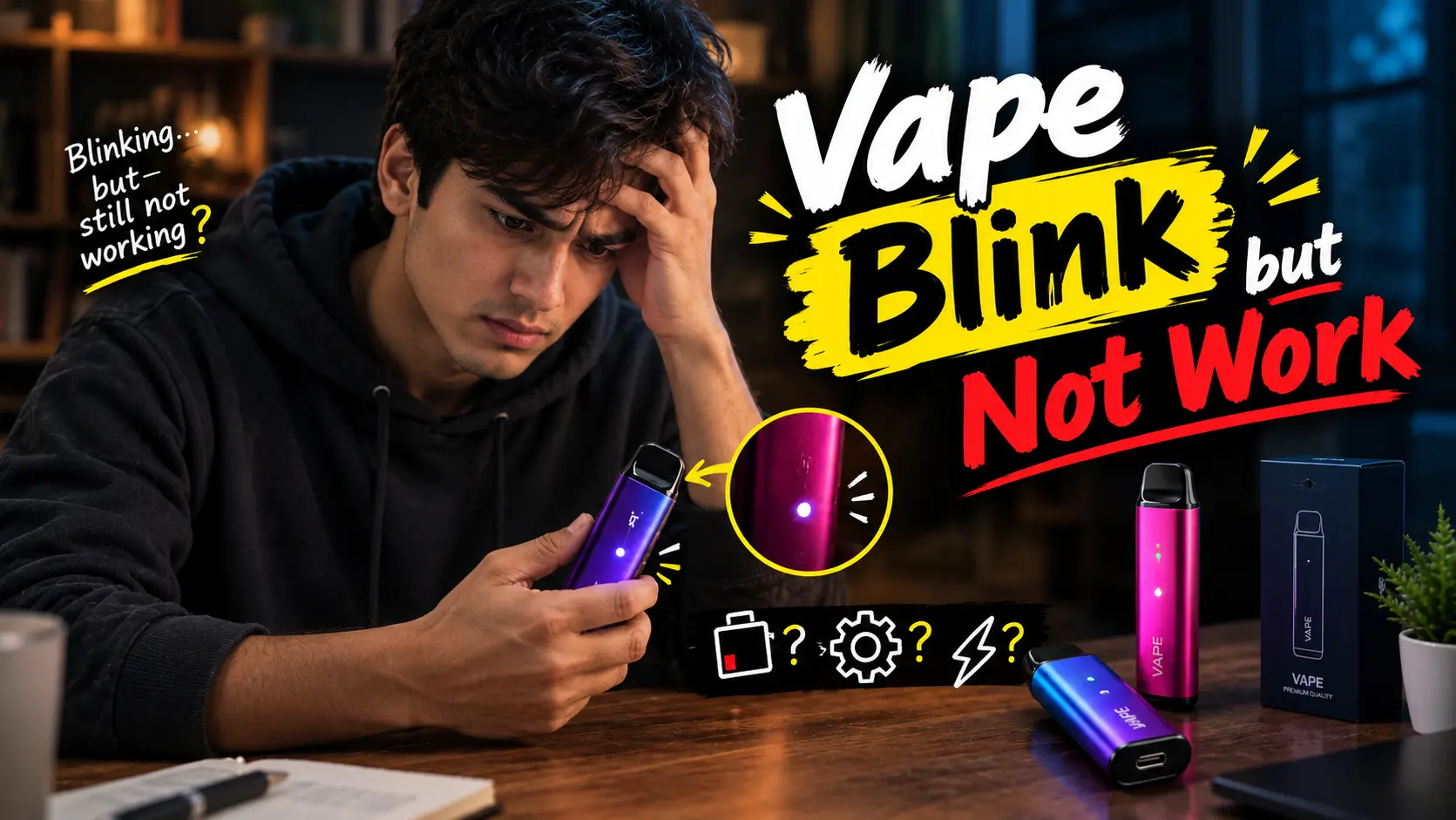
You settle in for a relaxing puff, but instead of smooth vapor, your device gives you nothing—while the indicator light blinks persistently. This can be deeply frustrating, especially when you are caught in the middle of a busy day in Dubai or Abu Dhabi and need your device to work. If you have been searching for “Why Does a Vape Blink but Not Work?”—rest assured, you are not alone.
Short answer: A vape blinks but does not work because the device is telling you something. The cause is usually a low battery, a loose connection, a blocked airflow path, an empty or dried-out coil, or a built-in safety cut-off. Most of these take less than five minutes to fix.
Why Does a Vape Blink Instead of Working?
When your vape is blinking but not hitting, a safety feature or a power break has usually stopped the device. Here are the main causes:
- Low battery (low voltage): This is the most common culprit. When the voltage drops too low, the chip cuts power to the coil and flashes the light.
- Puff-time limit (auto shut-off): Most vapes have a safety cut-off of about 8 to 10 seconds. If you take a very long or hard draw, the device stops power and flashes to prevent overheating.
- Connection error: If your device has a removable pod or cartridge, dust or e-liquid can build up on the bottom contact pins. That breaks the circuit.
- Airflow sensor blockage: On draw-activated devices, trapped condensation or leaked e-liquid can fool the sensor. It thinks you are puffing nonstop, so it triggers safety flashes.
- Short circuit or coil failure: If a coil burns out or a short circuit happens inside, the device switches to protection mode right away.
What Do the Light Patterns Mean?
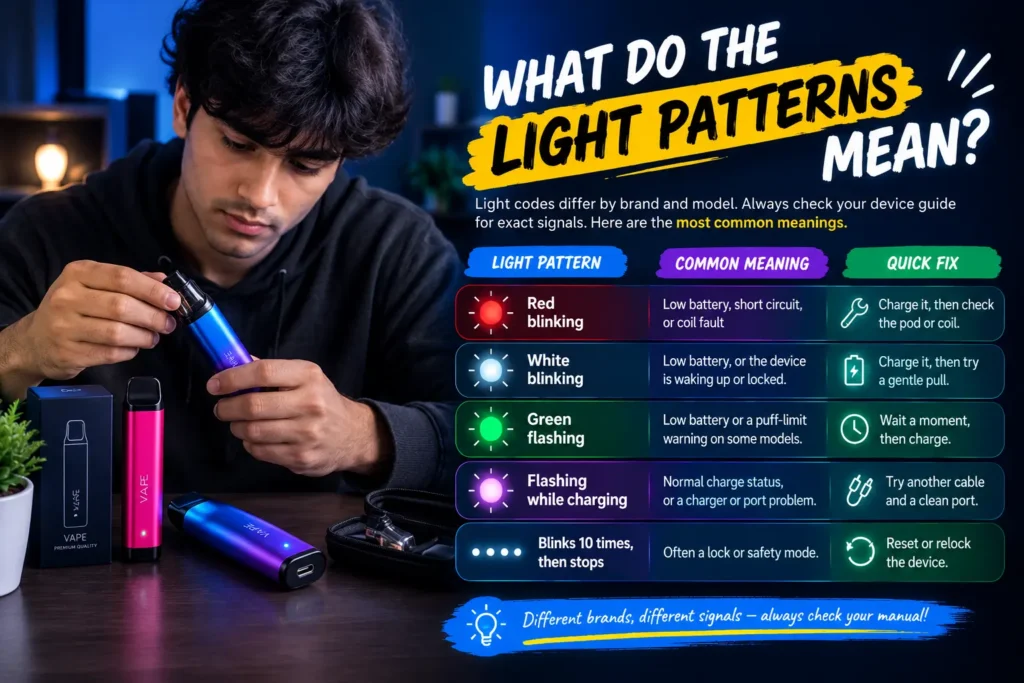
Light codes differ by brand and model. Always check your device guide for the exact signals. The table below shows the most common meanings.
| Light Pattern | Common Meaning | Quick Fix |
| Red blinking | Low battery, short circuit or coil fault | Charge it, then check the pod or coil |
| White blinking | Low battery, or the device is waking up or locked | Charge it, then try a gentle pull |
| Green flashing | Low battery or a puff-limit warning on some models | Wait a moment, then charge |
| Flashing while charging | Normal charge status, or a charger or port problem | Try another cable and a clean port |
| Blinks 10 times, then stops | Often a lock or safety mode | Reset or relock the device |
Why Is My Vape Blinking Red and Not Working?
Red usually points to a low battery or a fault. A short circuit, a bad pod connection, or a burnt coil can all trigger it. Charge the device first. If red keeps blinking, remove the pod or cartridge and seat it again.
Vape Battery Blinking White: What Does It Mean?
White blinking often means the battery is low. On some devices, it also means the device is locked or in standby. Charge it for 30 to 60 minutes, then try again.
Why Is My Vape Flashing Green and Not Working?
Green flashing varies by brand. It may show a low battery. It may also warn you about the puff-time limit. Give the device a short rest, then charge it.
Vape Flashing Red When Charging
If the light flashes red while charging, check the cable, the adapter, and the port. A damaged cable or a dirty port is a common cause. Try a different cable. If the light still flashes, the battery may be faulty.
How to Fix a Vape That Blinks but Doesn’t Hit
Whether you have a disposable or a pod system, try these steps in order:
- Clean the contact points. Remove the pod or cartridge. Dip a cotton swab lightly in rubbing alcohol. Wipe the pins inside the device and the base of the pod to remove dust and e-liquid residue. Let it dry fully before you reassemble.
- Check the airflow and sensor. Make sure the air holes and mouthpiece are clear. On a draw-activated device, trapped moisture can sit in the sensor. Gently clear any visible liquid from the mouthpiece and air hole.
- Reset the connection. Take the pod out and wait 5 seconds. Then press or snap it back in firmly so the pins make full contact.
- Use a proper charger. Skip high-wattage laptop fast chargers and uncertified cables. Charge from a standard, stable USB source.
- Let it cool. If the device feels hot, move it to a cool, shaded spot for 15 to 20 minutes.
Still no luck? The coil or battery may have given up. That is normal at the end of a device’s life.
Disposable Vape Blinking but Not Working
A disposable vape blinking but not working usually means one of two things. Either the battery is flat, or the e-liquid is used up. Disposables have no replaceable parts. If you charged it, cleaned the airflow, and waited, the device may simply be finished. Many rechargeable disposables also die when the coil dries out, even if the battery still has charge.
How to Use a Vape: A Beginner Guide
Many “problems” come from small mistakes. Here is how to use a vape the right way, especially if you are new.
How to Use a Vape for Beginners
- Charge it first. Even new devices may need a top-up.
- Remove any caps or stickers. Some devices have a seal over the airflow or mouthpiece.
- Draw slowly. Take a gentle, steady pull. Most vapes are draw-activated, so there is no button to press.
- Keep pulls short. Two to three seconds is enough. Long pulls trigger the safety cut-off.
- Pause between puffs. Give the coil a few seconds to cool and re-wet.
- Hold it upright when you can. This helps e-liquid reach the wick.
Safety Tips for the UAE Climate
The UAE heat is hard on batteries. Keep these rules in mind:
- Never leave your vape in a parked car. Dashboard heat can damage the battery and trigger safety locks.
- Avoid direct sun. Use a shaded bag or pocket.
- Charge in a cool room. Air-conditioned spaces work best.
- Use the original cable and adapter. Mismatched chargers can charge unevenly.
- Do not charge overnight. Unplug the device once it is full.
- Keep it away from children.
Quick Troubleshooting Cheat Sheet
| Problem | Most Likely Cause | What to Do |
| Blinks but no vapor | Low battery | Charge for 30 to 60 minutes |
| Blinks after a long pull | Puff-time limit | Wait, then use shorter puffs |
| Blinks with a dirty pod | Connection error | Clean the contacts |
| Blinks and tastes dry | Dry coil | Replace the pod or device |
| Keeps blinking on its own | Stuck sensor or blocked airflow | Clear the air hole |
| Blinks while charging | Cable or port fault | Try another cable |
Where to Buy Reliable Devices in the UAE
A device that keeps blinking may be at the end of its life. When you are ready to replace it, visit the Puffmart store to see the full range. You can choose from disposable devices or RELX devices, all in one place.
Final Thoughts
A blinking light can be annoying, but it is almost always a built-in safety feature at work. Good care and the right charging habits solve most of these problems.
Need a reliable replacement or a fresh pod? Visit the Puffmart main shop for fast 1-2 hour express delivery across Dubai, Sharjah, and Ajman.
Warning: This product contains nicotine. Nicotine is an addictive substance. Not suitable for non-smokers, pregnant women, or persons under 18.